Skip to content
ScreenPour
Menu

Digital signs for any business

Change it once. Every screen knows.

ScreenPour turns the TVs you already have into signs you run from one account. Menus and prices, promos, slideshows and video — on one screen, a group, or every screen at once.

Link screens into groups and one push lands on all of them.

A wall of six screens in a restaurant: one breakfast push lands on all six, then one happy hour scene spans the wall, then each screen shows its own dish

What goes on the screen

Everything you’d put on a sign — and it moves.

Slideshows

Photos and graphics on a loop, from your own picture library.

Video & graphics

Play a video or a designed graphic on any screen.

Menu & price boards

Items, prices, photos and sold-outs, shown straight from your list.

Banners & promos

A message or a full-screen promo, with an end time so it clears itself.

Time-of-day schedules

Morning, midday and evening content that switches on its own.

Now playing

Show the song that’s on, for places that play music.

How it works

From TV to sign in four steps

  1. Get ScreenPour on the TV

    A Roku or Fire TV stick, a BrightSign player, or the TV’s own browser.
  2. Pair it

    The TV shows a short code. Enter it in your account and the screen is yours.
  3. Group your screens

    By room, by wall or by location.
  4. Push or schedule

    Send something now, or set it for a time of day.

A TV shows a pairing code, it is typed into the account on a laptop, and the TV goes live with a coffee menu

Who it’s for

Made for any place with a screen
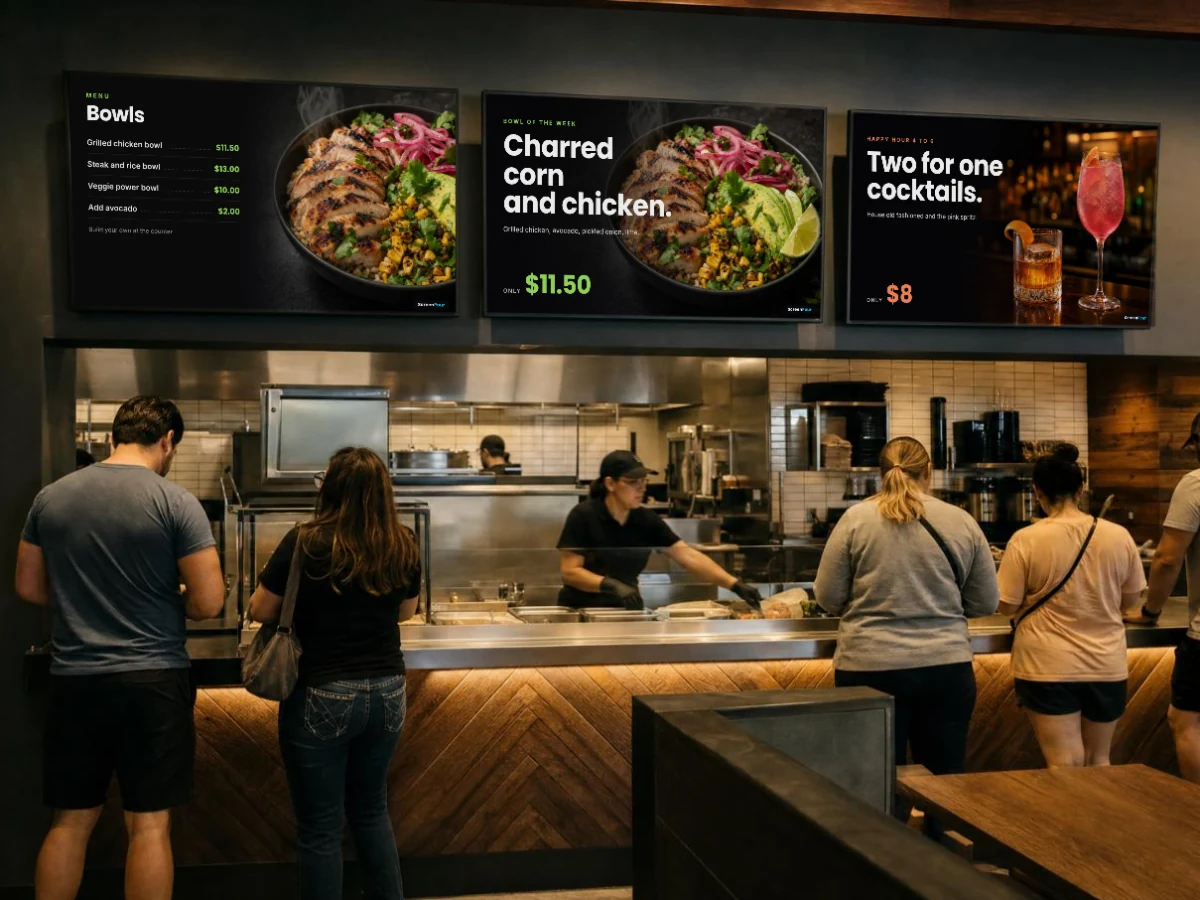
A few of the ways businesses use ScreenPour. These are just some of them — if it has a screen, ScreenPour can run it.
Three screens above a restaurant counter: a bowls menu, the bowl of the week and a happy hour cocktail

Restaurants & bars

Menu boards that follow your prices and sold-outs, happy hour by time of day, tonight’s event on every TV.

Features: Menu & price boards · Schedules · Groups · Now playing
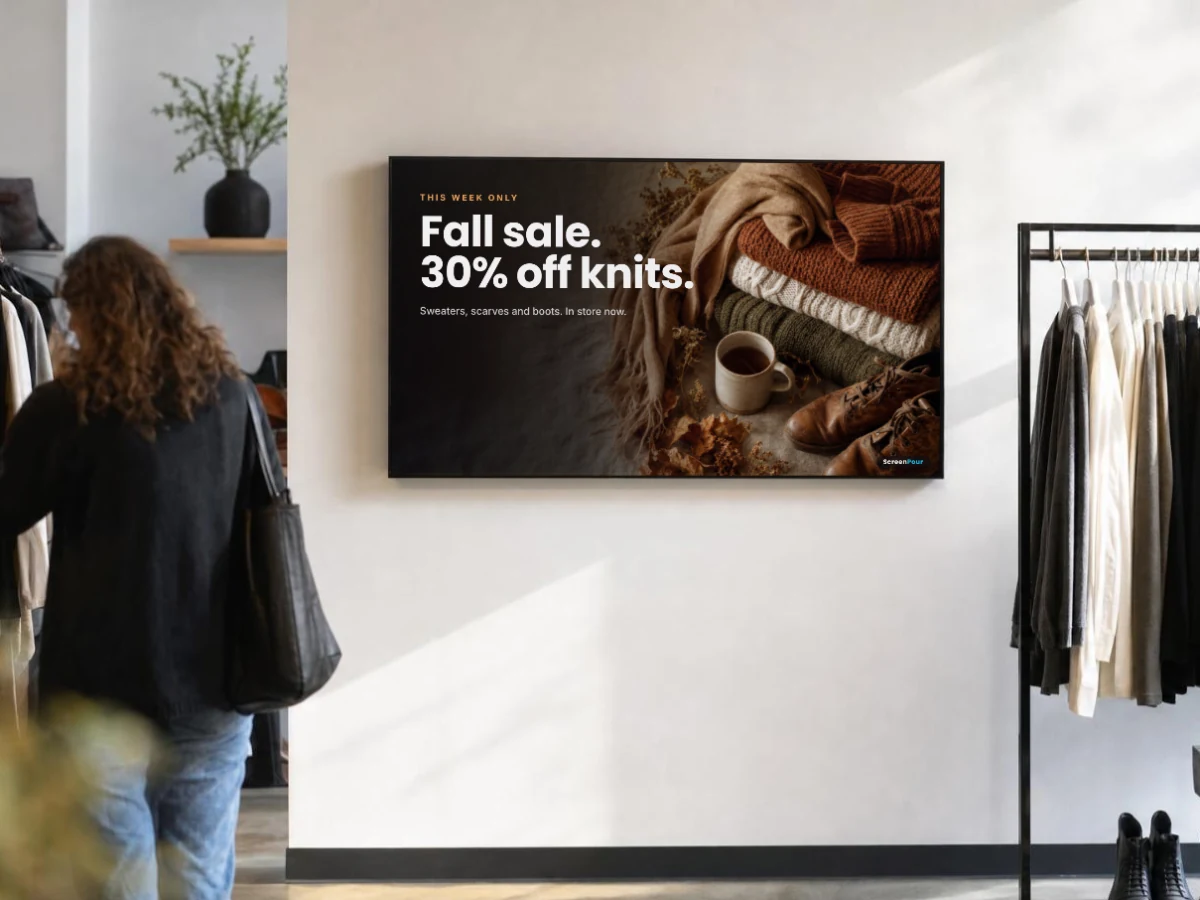
A wall screen in a clothing shop showing a fall knitwear sale over a photo of sweaters and boots

Shops & pop-ups

New arrivals in the window, this week’s sale at the counter, prices that match the shelf.

Features: Price boards · Slideshows · Banners
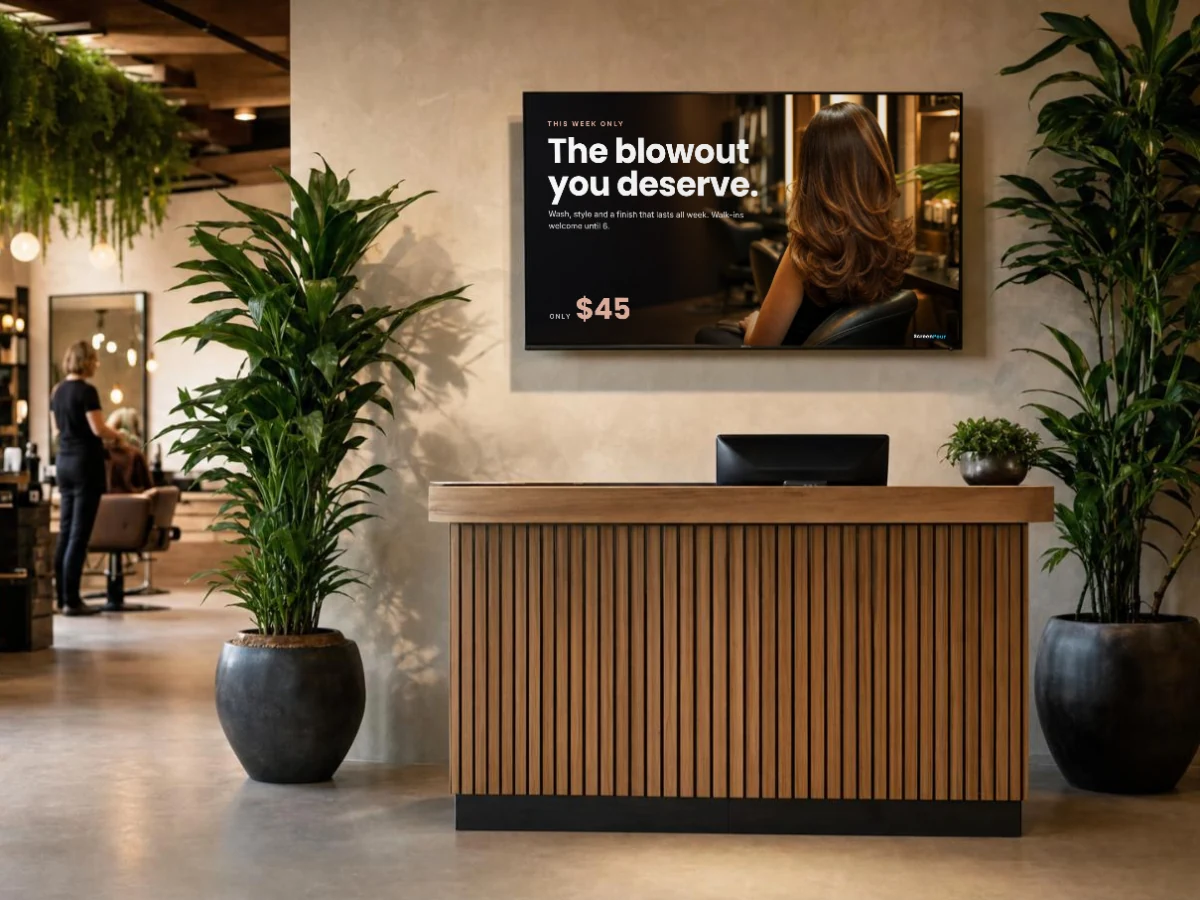
A screen above a salon reception desk promoting a blowout for 45 dollars

Salons & barbershops

Services and prices by the chairs, walk-in hours, your best work on a loop.

Features: Price boards · Photo slideshows · Banners
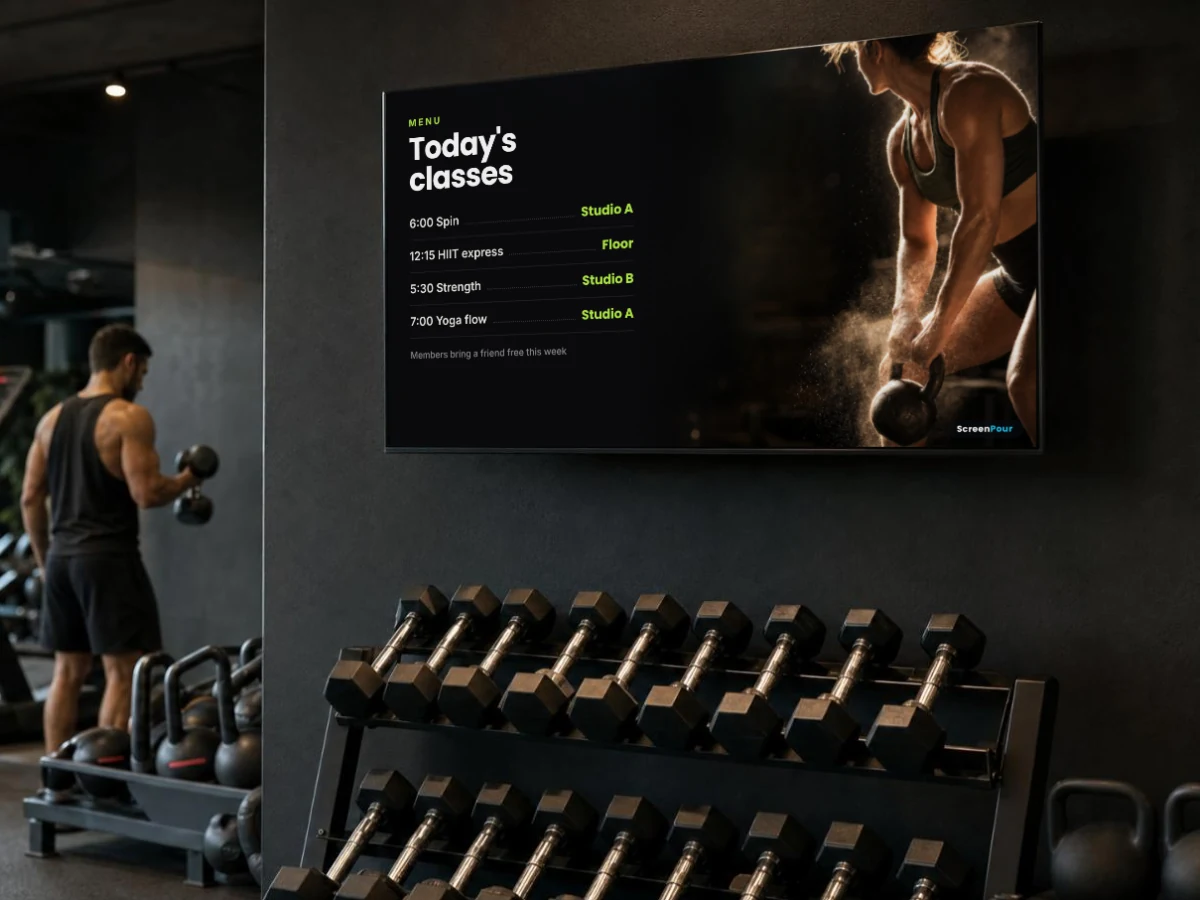
A screen on a gym wall above the weights showing todays classes next to a kettlebell photo

Gyms & studios

Today’s classes on the lobby screen, offers on the floor, music on screen during sessions.

Features: Schedules · Groups · Now playing
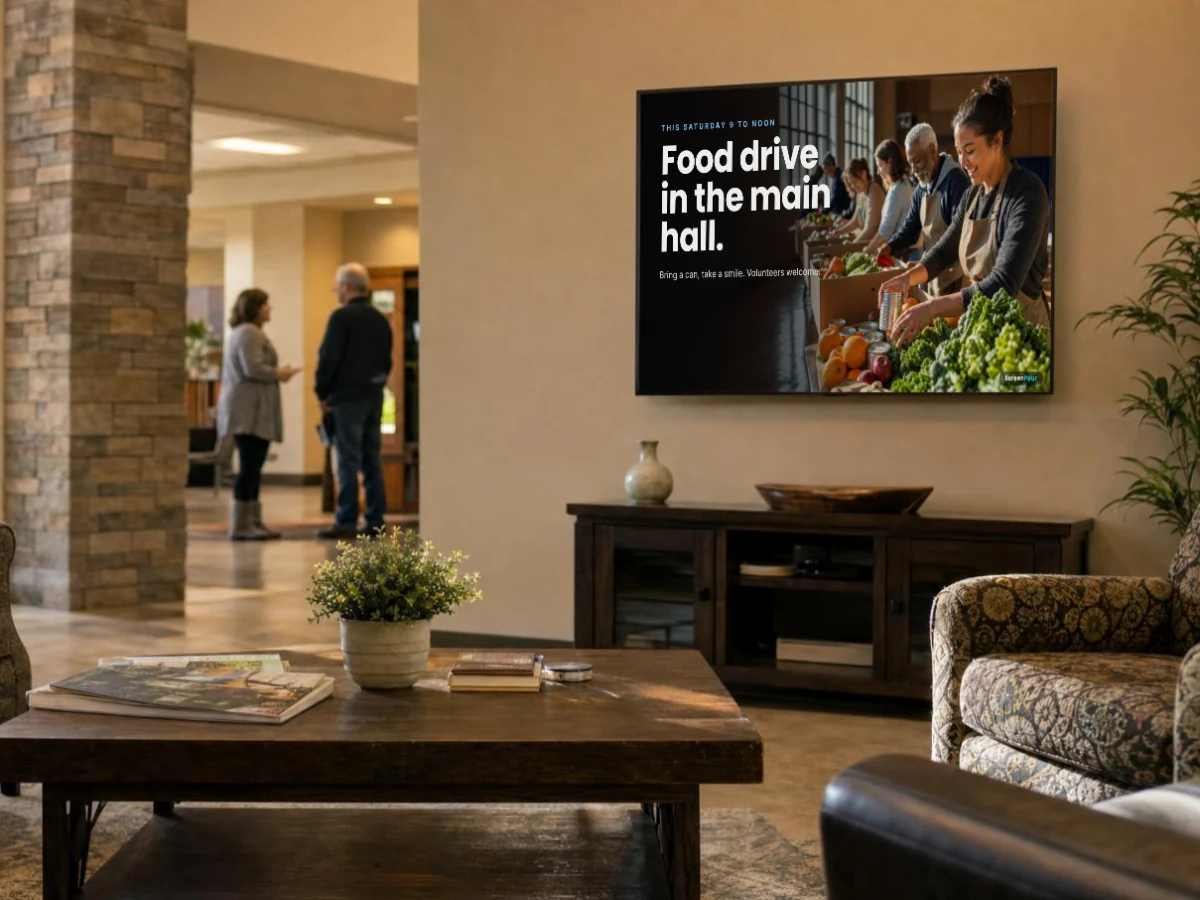
A screen in a community center lobby announcing a Saturday food drive with volunteers sorting food

Churches & community centers

Welcome screens, this week’s events and sign-ups, announcements in every hallway at once.

Features: Slideshows · Groups · Schedules
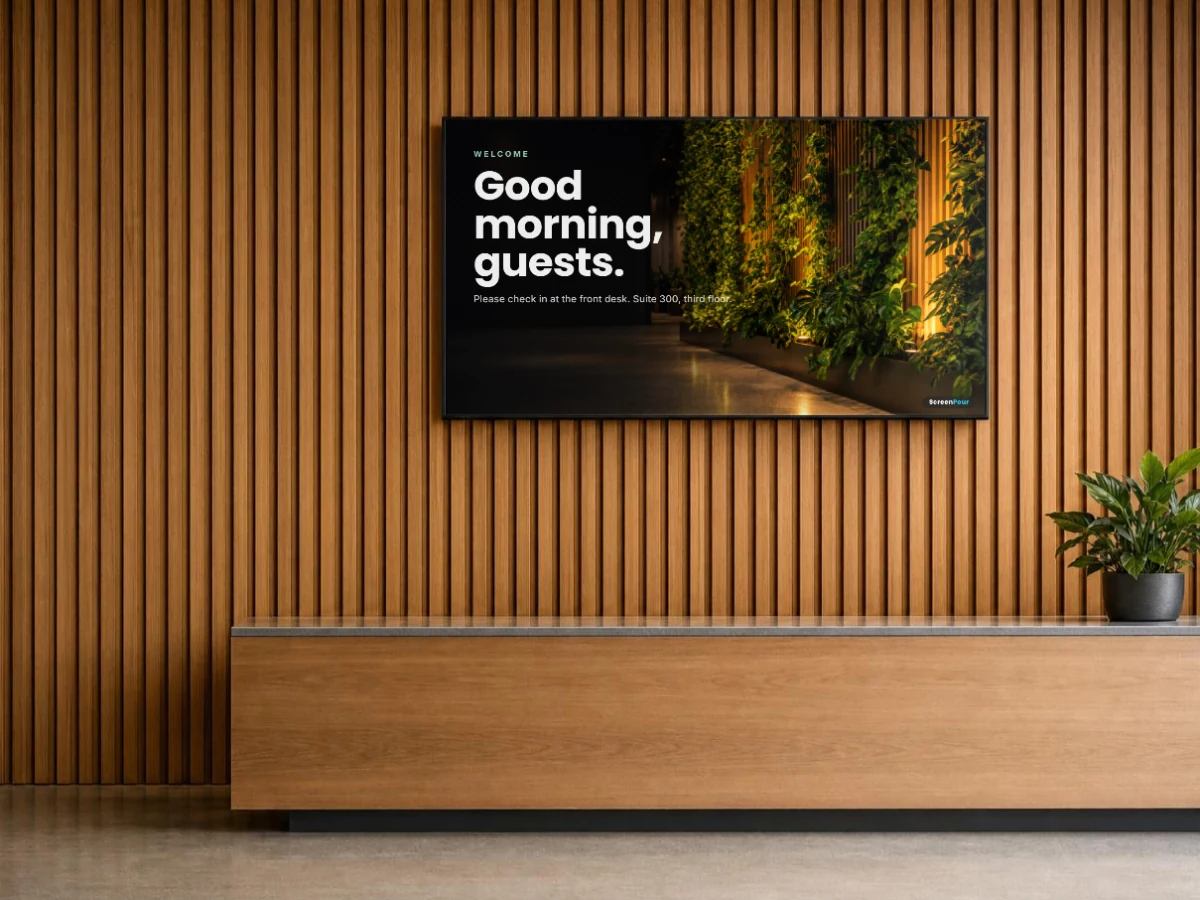
A screen behind an office reception desk welcoming guests

Offices & lobbies

Visitor welcome, building notices, news for staff in break rooms and elevators.

Features: Banners · Groups · Players with a ticker
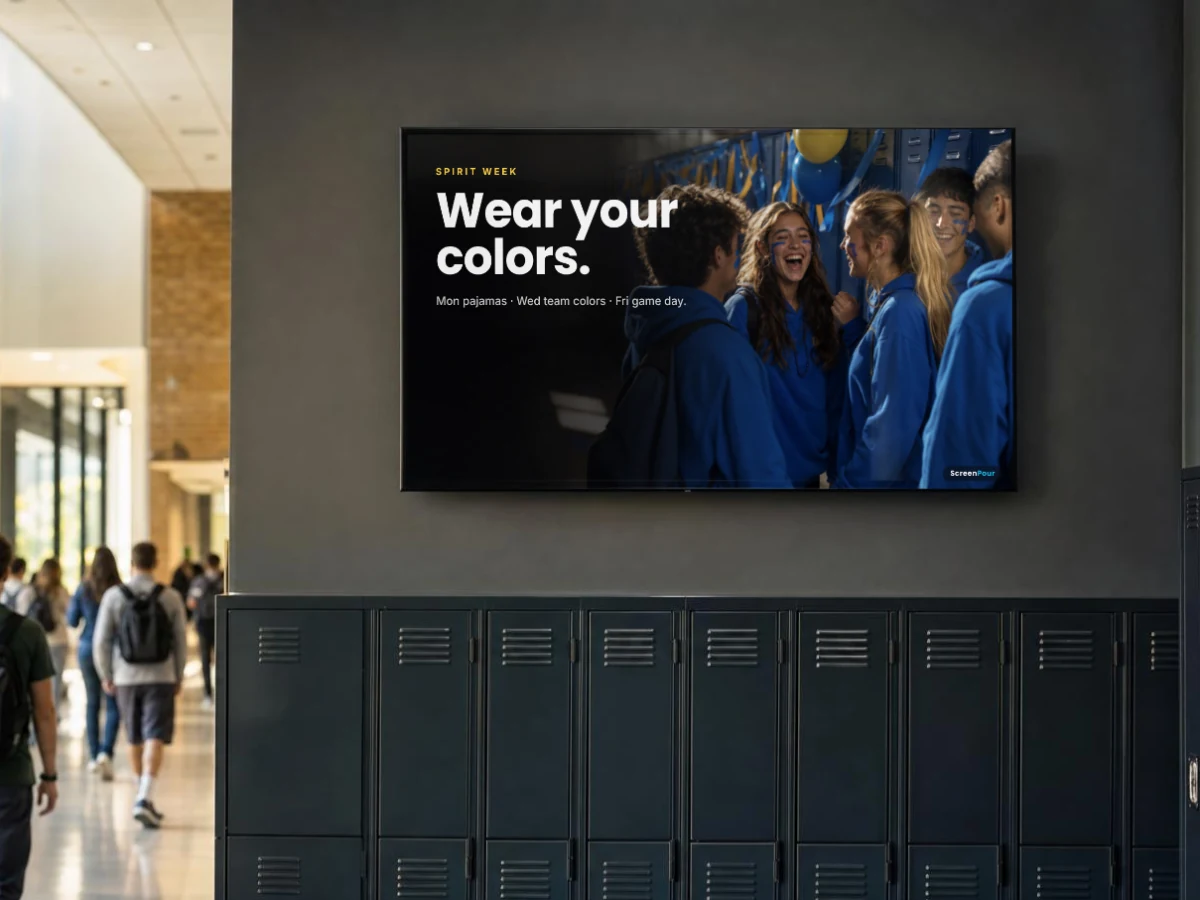
A screen above school hallway lockers announcing spirit week over a photo of students in team colors

Schools & campuses

Lunch menus, spirit week, game-day reminders and campus notices on every screen.

Features: Schedules · Groups · Slideshows
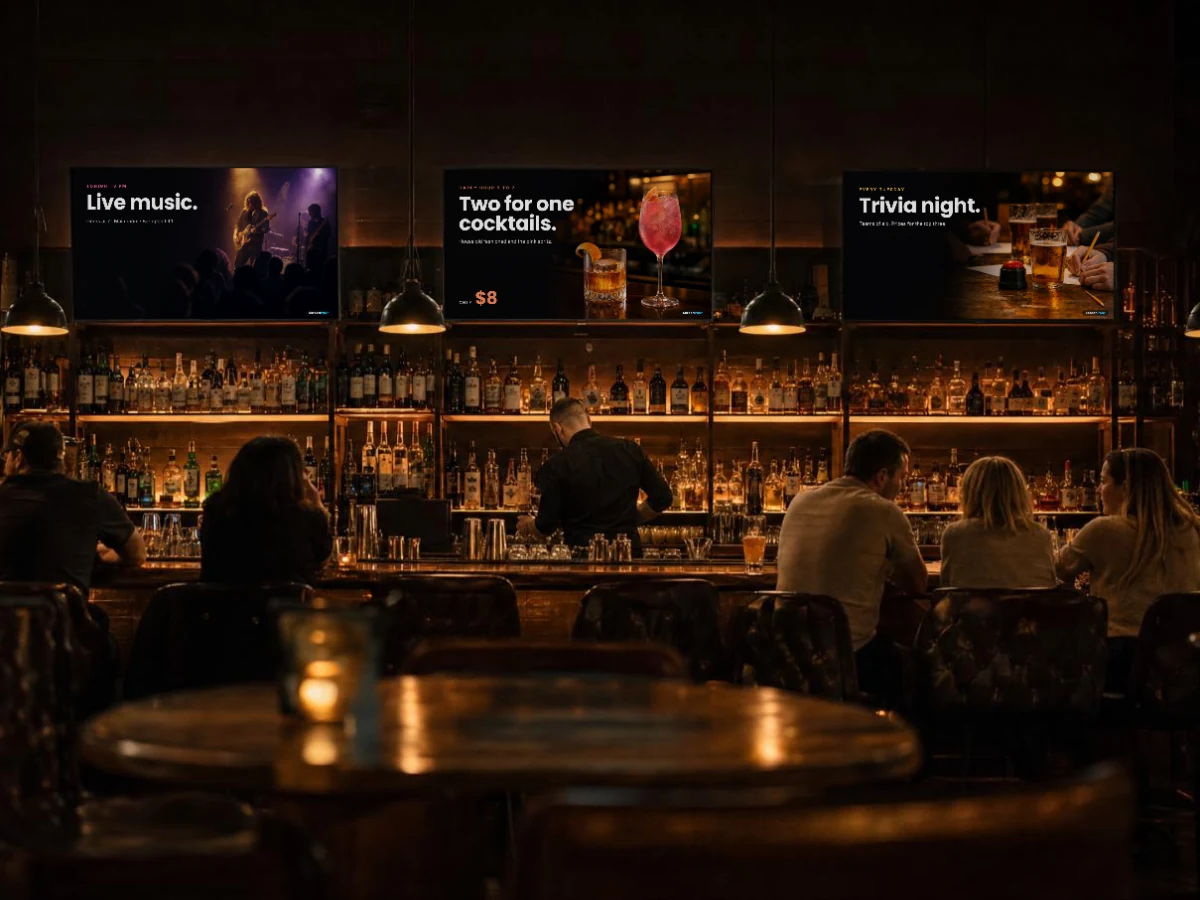
Three screens above a bar at night showing live music, two for one cocktails and trivia night

Event venues

Tonight’s lineup, directions to rooms, sponsor slides between sets.

Features: Linked screens · Schedules · Slideshows

And many more

Clinics and waiting rooms, hotels, car dealers, coffee carts, trade-show booths, front desks…

If people look at a screen there, ScreenPour can keep it current.

Start free

Platforms

Works on the screens you have
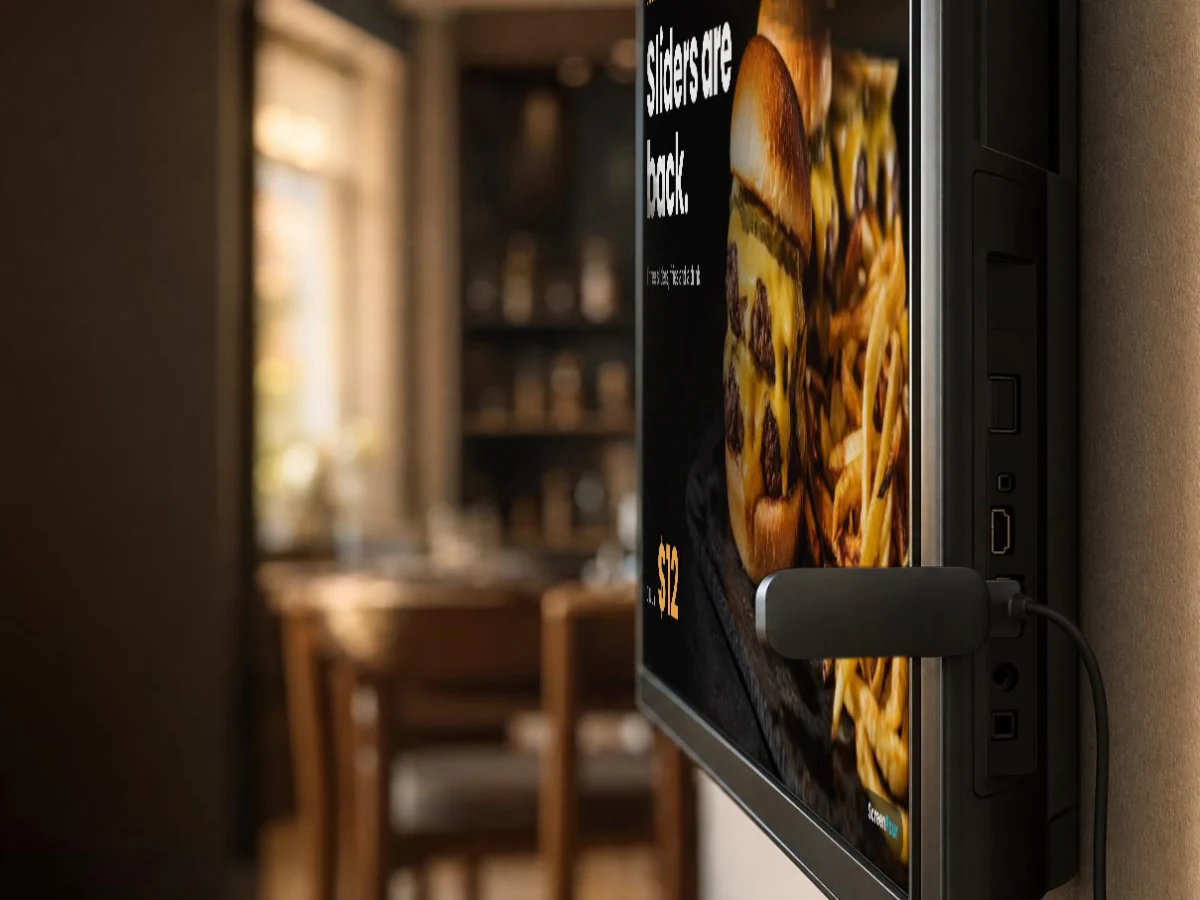
No special TVs. Pair any of these to your account with the code on the screen.
A streaming stick plugged into a wall TV showing a sliders special

Roku & Fire TV

A streaming stick on the TV’s HDMI port. Our Roku channel is set up with you today; store listings are on the way.
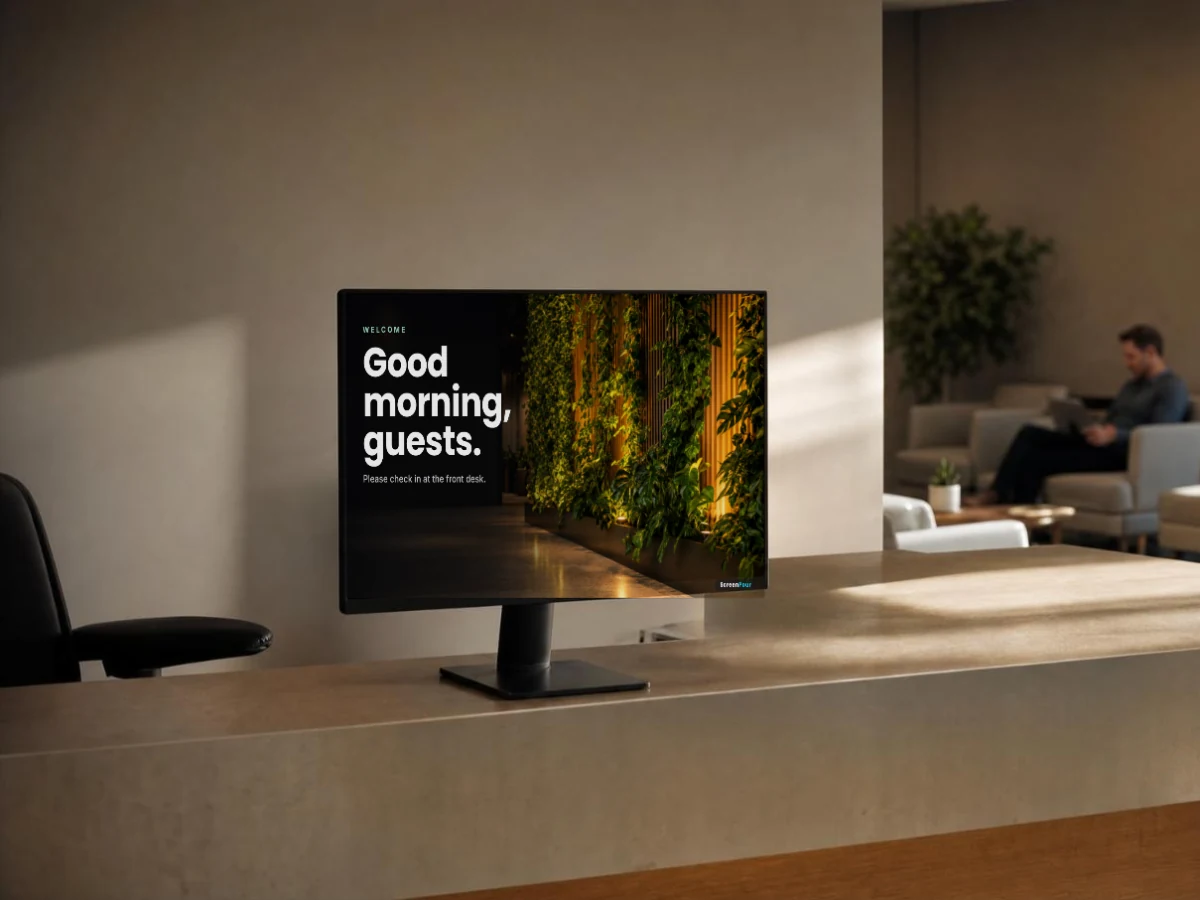
A monitor on a reception desk showing a welcome screen

Smart TV browsers

Open the ScreenPour display in the TV’s own web browser.
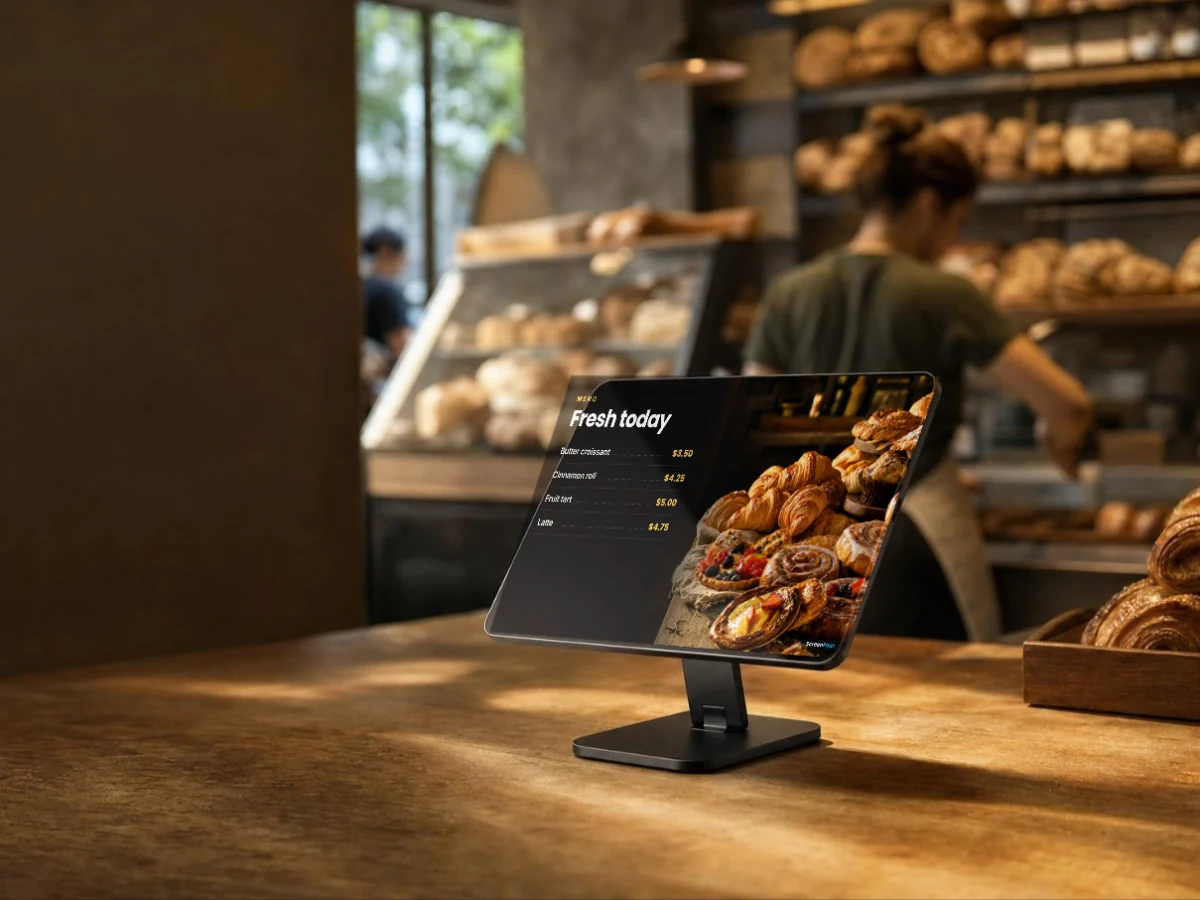
A tablet on a bakery counter stand showing todays fresh pastries and prices

Tablets & computers

A tablet at the counter or a computer behind a big screen.
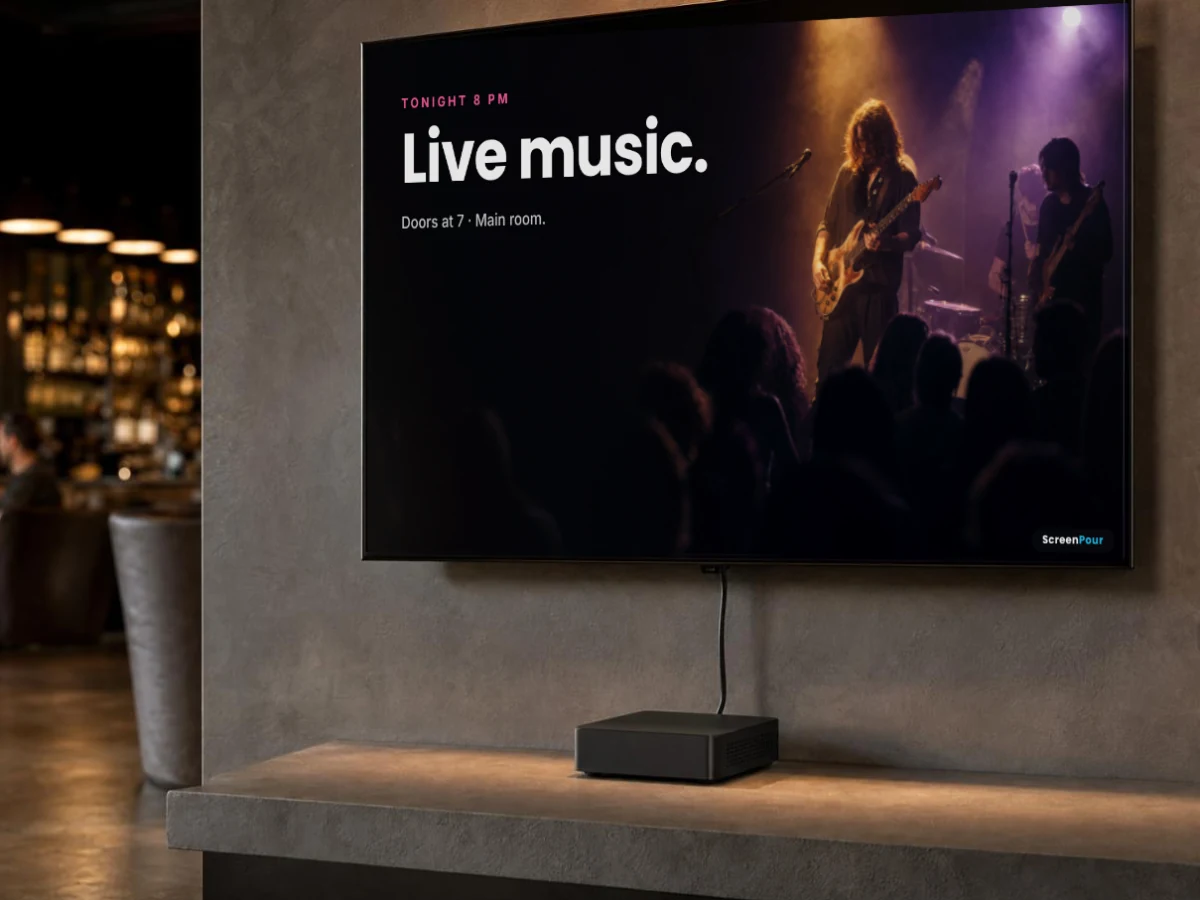
A wall screen in a venue showing tonights live music, run by a small commercial player on the shelf below

BrightSign players

Commercial players that frame your video with a clock, headline and ticker.

Plans

Start free. Pay per screen when you grow.

Free

$0 · one screen

Slideshows, photos and banners. Pair your screen and push to it from your account.

Start free

ScreenPour

$29 a screen a month · $25 billed yearly

Every screen feature: menu and price boards, groups, time-of-day schedules, video and now playing.

Start free, upgrade any time

Run a restaurant or bar?

ScreenPour also comes built into Gumbeaux Soft, connected to your menu, specials and sold-outs.

Questions

What people ask us

Do I need new TVs?
No. Any TV with an HDMI port works with a Roku or Fire TV stick, and many smart TVs can use their own browser.
Does it need internet?
Yes. Each screen checks in over Wi-Fi or a network cable to get new content.
Is ScreenPour in the Roku store?
Not yet. Today we set up Roku screens with you, and a public Roku channel is on the way. Fire TV and browser screens work now.
Is there a free plan?
Yes. One screen is free. When you want more screens or more features, upgrade in your account.

Put your first screen to work today.

Start on the free plan with one screen. Add screens when you’re ready.