
Devices
Works with the screens you have.
No special TVs. Pick the player that suits each screen.
Players
Four ways to put ScreenPour on a screen
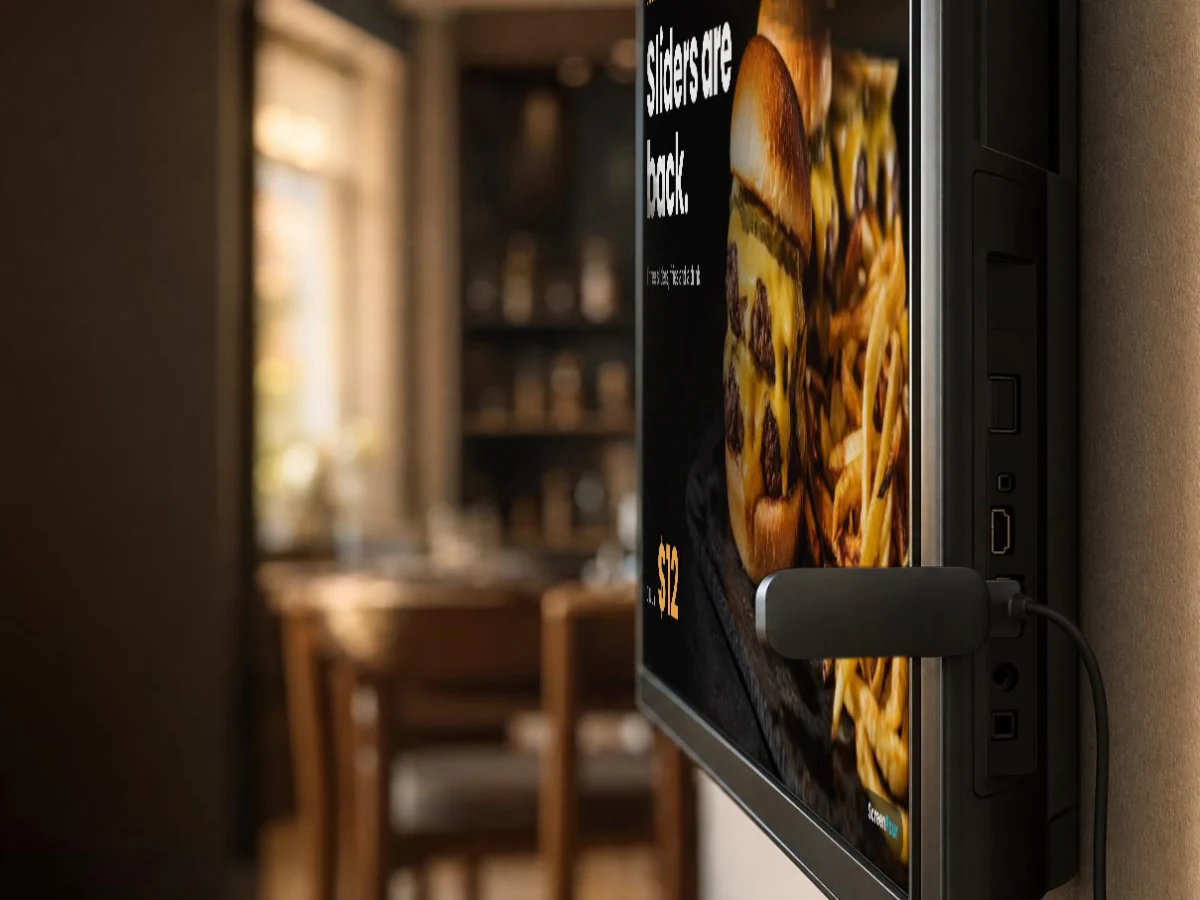
Roku
A small stick or box on the TV’s HDMI port. Our Roku channel pairs with a code on screen. Today we install it with you; a public listing in the Roku store is on the way.
Fire TV
A Fire TV stick runs the ScreenPour display and pairs with the same code.
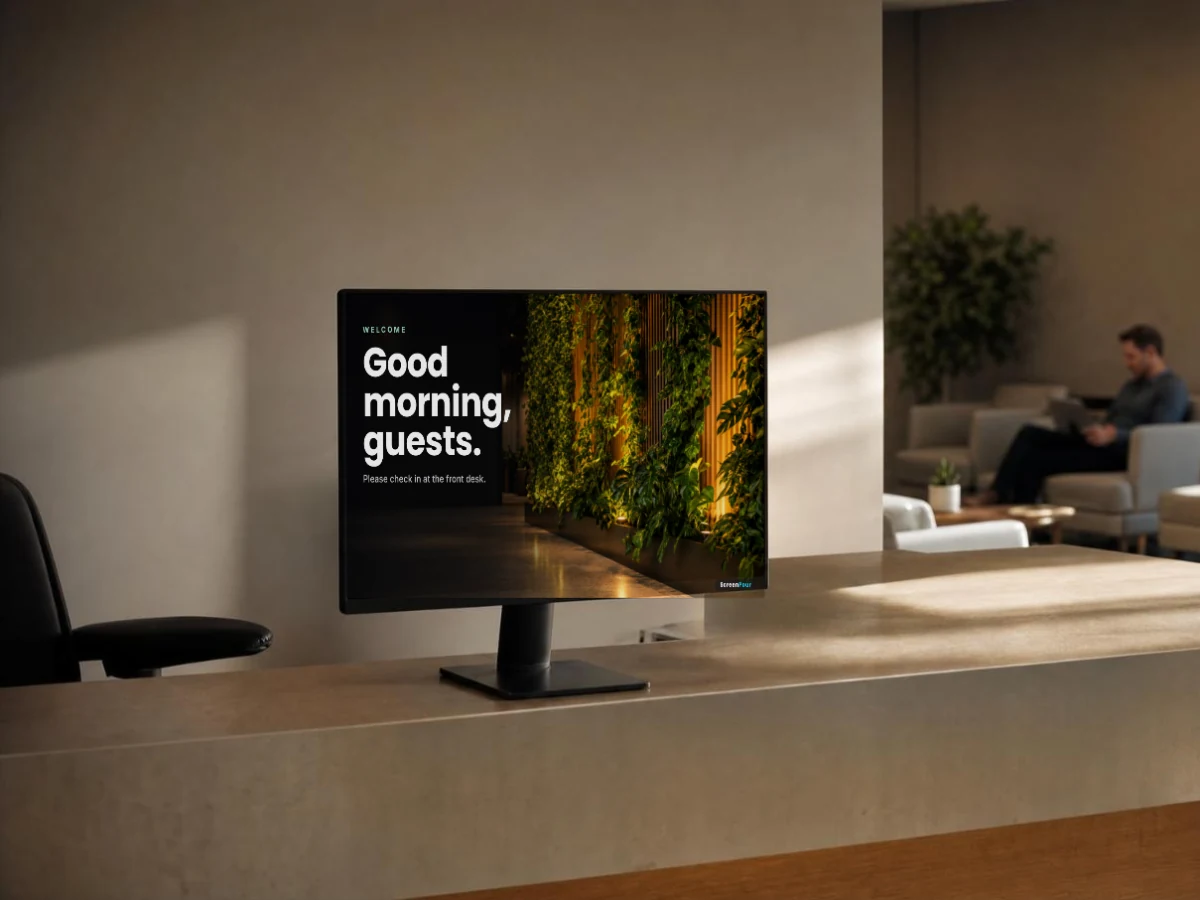
Smart TVs, tablets and computers
Open the ScreenPour display in a modern web browser and pair it — a tablet at the counter, or a computer behind a big screen.
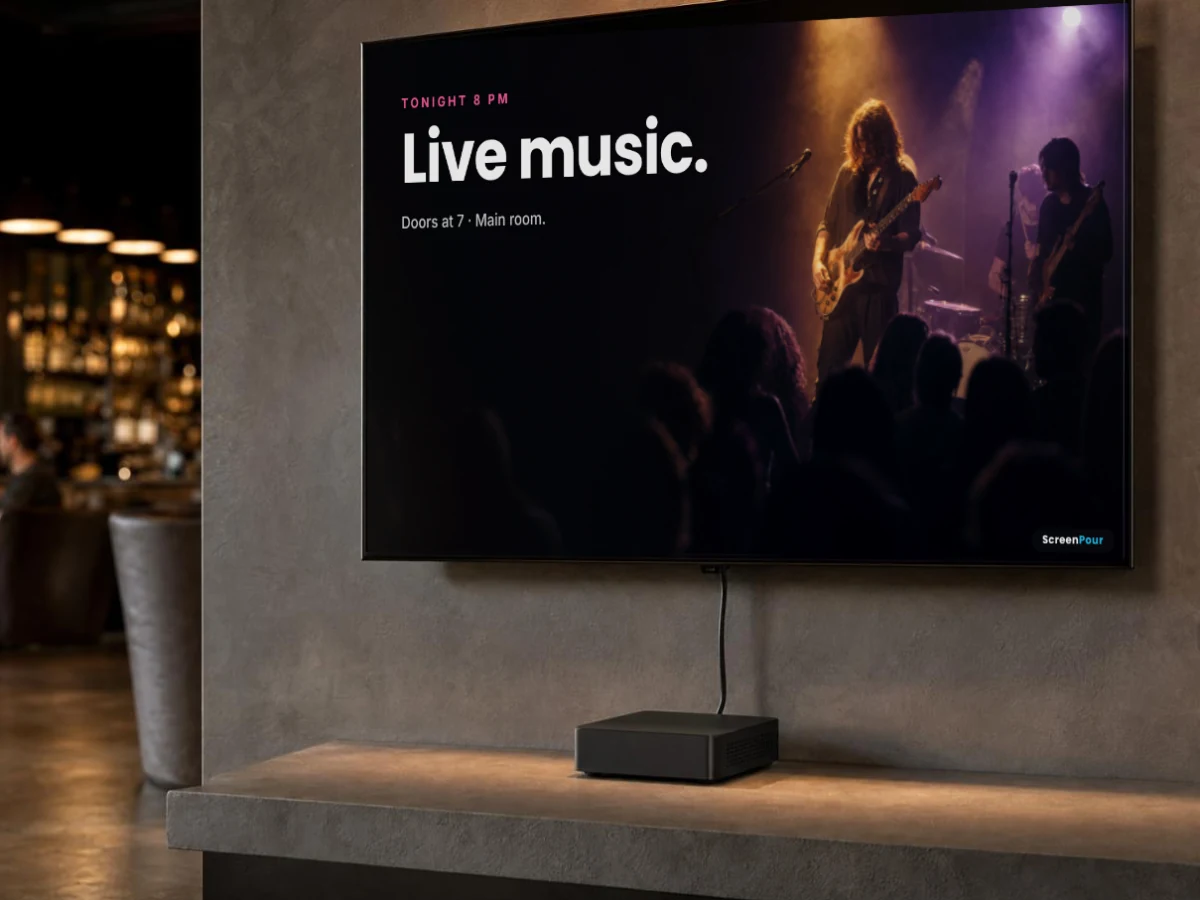
BrightSign players
Commercial-grade players. ScreenPour frames your video with a clock, a headline, your menu or events, a ticker and a QR code.
Checklist
What you need for each screen
A TV with HDMI
Any size. Mount it or stand it.
A player
Roku, Fire TV, BrightSign, or the TV’s own browser.
Internet
Wi-Fi or a network cable at the screen.
Questions
Device questions
Do screens need a computer?
No. The stick or player does the work.
Can a screen hang sideways?
Yes. Each screen is set to landscape or portrait.
Put your first screen to work today.
Start on the free plan with one screen. Add screens when you’re ready.